I Let an Agent Design a Portfolio Page
I built a little website and then handed the website to an agent.
Not the whole website. The agent did not get a blank repository and a vague instruction to "make it nice." It got a page with a few fixed layouts and a set of tools for changing the parts I had decided were safe to change.
The project is Agent Zen Garden, and it is now running at agentzen.garden.
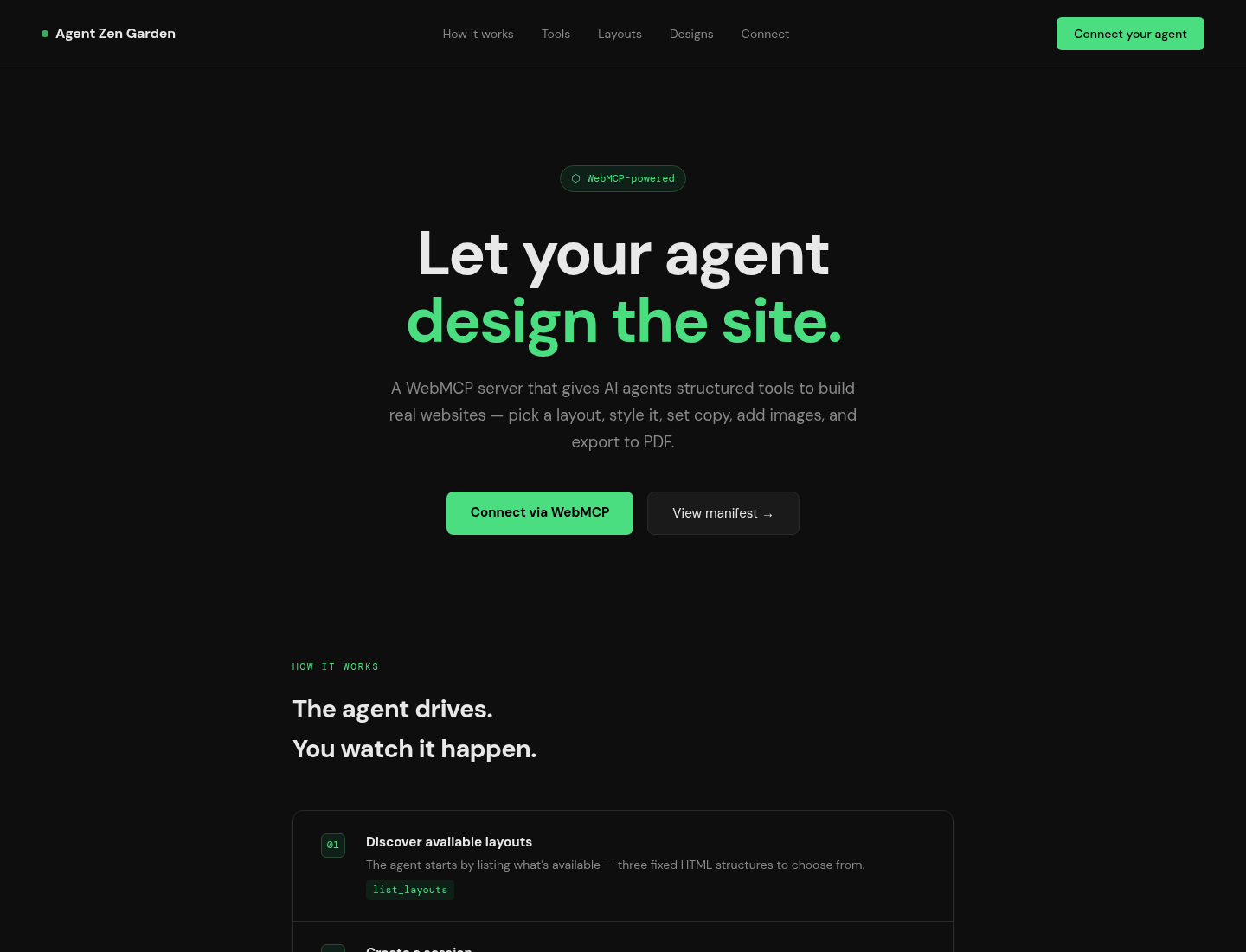
I wanted to see what WebMCP felt like when it was attached to something more interesting than a button that says hello. The answer, after a weekend of wiring and one very productive Codex session, is a small design sandbox where an agent can build a page and a human can decide whether it is any good.
The blank canvas problem
Agents are very good at making changes. They are less reliable at deciding which changes are worth making when the possible surface area is infinite.
Give an agent an empty directory and "design a portfolio" and it can produce anything from a lovely landing page to six hundred lines of gradients and a navigation system that only works in its own imagination. The problem is not that it cannot write CSS. The problem is that "good" is doing a lot of work in that sentence.
So the garden starts with constraints. There are a few HTML layouts with named slots: a headline, a navigation area, an image, a set of cards, a footer. The structure is fixed. The agent can inspect the available slots and selectors, then change the copy, typography, colors, spacing, and images without having to invent an entire application architecture first.
The constraints are not meant to make the agent less creative. They make the creative decisions visible.
The tool loop
The page exposes a small design API through WebMCP. An agent can discover the tools directly from the page when the browser supports the native API, and the same operations remain available as ordinary HTTP endpoints for everything else.
The basic loop is:
list_layouts
select_layout name="A Quiet Portfolio"
examine_layout
set_style
set_copy
add_font
add_image
export_pdf
examine_layout is the important one. It returns the named slots, the CSS
selectors, and the current stylesheet. The agent gets a map before it starts
moving furniture around.
set_style merges declarations into a selector's existing rule. set_copy
updates a named slot rather than asking the agent to rewrite arbitrary HTML.
add_font loads a Google Font, and add_image puts a public image URL into an
image or background slot. At the end, export_pdf renders the result with
Chromium so the output is not just whatever happened to look right in the
agent's text response.
The native WebMCP layer is deliberately thin. It reads the page's manifest and
registers each operation with document.modelContext. The server still owns
the implementation. A browser agent gets page-specific tools; the server gets
to keep its validation, filesystem writes, and live reload in one place.
I gave it a portfolio
For the first real session, I gave Codex the portfolio layout and let it work through the tool loop. It inspected the structure, chose a direction, changed the type and spacing, replaced the placeholder copy, and iterated against the actual page instead of describing a page it hoped existed.
The useful part was not that it could call set_style. Any competent agent
can write:
.hero-headline {
  letter-spacing: -0.04em;
  font-size: clamp(3rem, 9vw, 8rem);
}
The useful part was that the change happened in a running design surface with known selectors, and the next inspection reflected what was actually there. It could make a change, look at the result, and make a smaller change. That is closer to working with a designer's file than to asking a chatbot for a block of CSS and pasting it in with your fingers crossed.
I still had opinions. I still said when something was too busy, when the spacing felt wrong, and when a clever treatment was not helping. The agent was fast at the exhaustive part: trying the variations, keeping the selectors straight, and applying the boring changes consistently. I supplied the direction and the vetoes.
That division feels more honest than pretending the agent has taste in the same way a person does.
A design should survive the process
The first version stored sessions in memory. That was fine until I asked the obvious question: what happens when I send somebody a link and then restart the service?
The answer was a 404, because the files were on disk but the server had forgotten that the session existed. The filesystem had a better memory than the application.
Now selecting a layout creates an isolated workspace:
workspaces/<session-id>/
├── index.html
└── style.css
The session catalog lives in SQLite. It stores the layout, creation time, and optional metadata such as the design name, agent, provider, model, and harness. The files and the catalog come back when the process restarts.
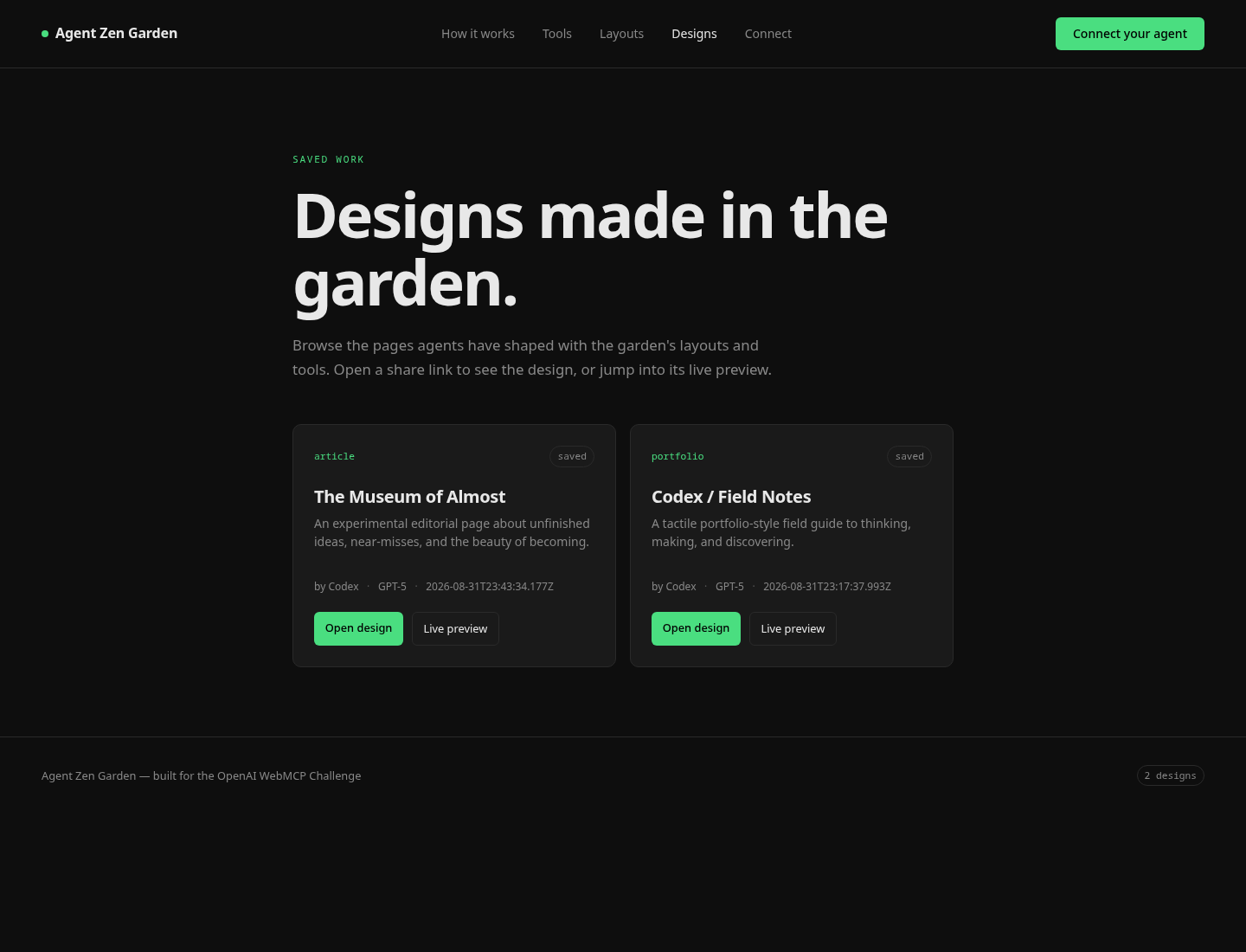
select_layout returns both a live preview URL and a share URL. Recent designs
are available from the design catalog, and
agents can use list_designs or GET /api/designs to discover them. The
catalog is intentionally simple. It is a list of experiments, not a social
network that needs a feed algorithm.
There is no account system or permissions model yet. A share link is an unguessable UUID, not an access-control policy. This is a design sandbox, not the place I would put somebody's banking dashboard.
What WebMCP changes
I could build most of this with a local agent and a command-line API. The interesting difference is that the tools belong to the page.
The agent does not need a separate integration that knows the garden's private endpoints. It visits the page, discovers the manifest, and gets operations that are specific to the surface in front of it. A different page could expose different tools: a music sequencer could provide tracks and effects, a diagram editor could provide nodes and edges, and a data dashboard could provide filters and annotations.
That makes a website feel less like a document an agent is looking at and more like an application an agent can participate in.
It is also not magic. WebMCP support is still browser-dependent, and the fallback path matters. The HTTP API means a non-WebMCP client can still create and edit a session. The browser integration is an additional affordance, not a requirement that every user install a particular agent in a particular browser.
The line between useful and ridiculous
There is a version of this project that is just a website builder with an agent bolted onto it. That is not especially interesting. We have had website builders for a long time, and most of them have fewer opinions about CSS than I do.
The bit I want to keep exploring is the boundary between human intent and agent execution:
- the human picks the direction and says what feels wrong;
- the agent traces the available structure and makes precise changes;
- the page shows the result instead of returning a paragraph about the result;
- both of us can keep iterating without losing the state of the work.
That is a small thing, but it is a different shape of interaction from "generate me a website." It is closer to handing an assistant a design file and saying, "make the headline feel less timid, but leave the rest alone."
What's next
I want to add more layouts, better visual inspection, and a way to compare versions of a design without turning the garden into a full Git client. A comment or annotation layer would be useful too: point at a section, leave a note, let the agent make a change, then decide whether the result is closer.
The danger is obvious. Every time I add another tool, I make the sandbox more capable and the idea less clear. The garden should stay small enough that a person can understand what the agent is allowed to do.
For now, it is a page with a few layouts, a persistent workspace, and an agent that can actually change what is on screen.
I made a tool to let an agent design a website. It immediately made me want to design a better website for the tool.
That seems about right.